Smart form builder
Create drafts, add sections, reorder content, and manage forms from a native editing workflow.
Connect your Google account, create forms faster, add advanced question types, manage responses, preview the live form, and export results without bouncing between tools.
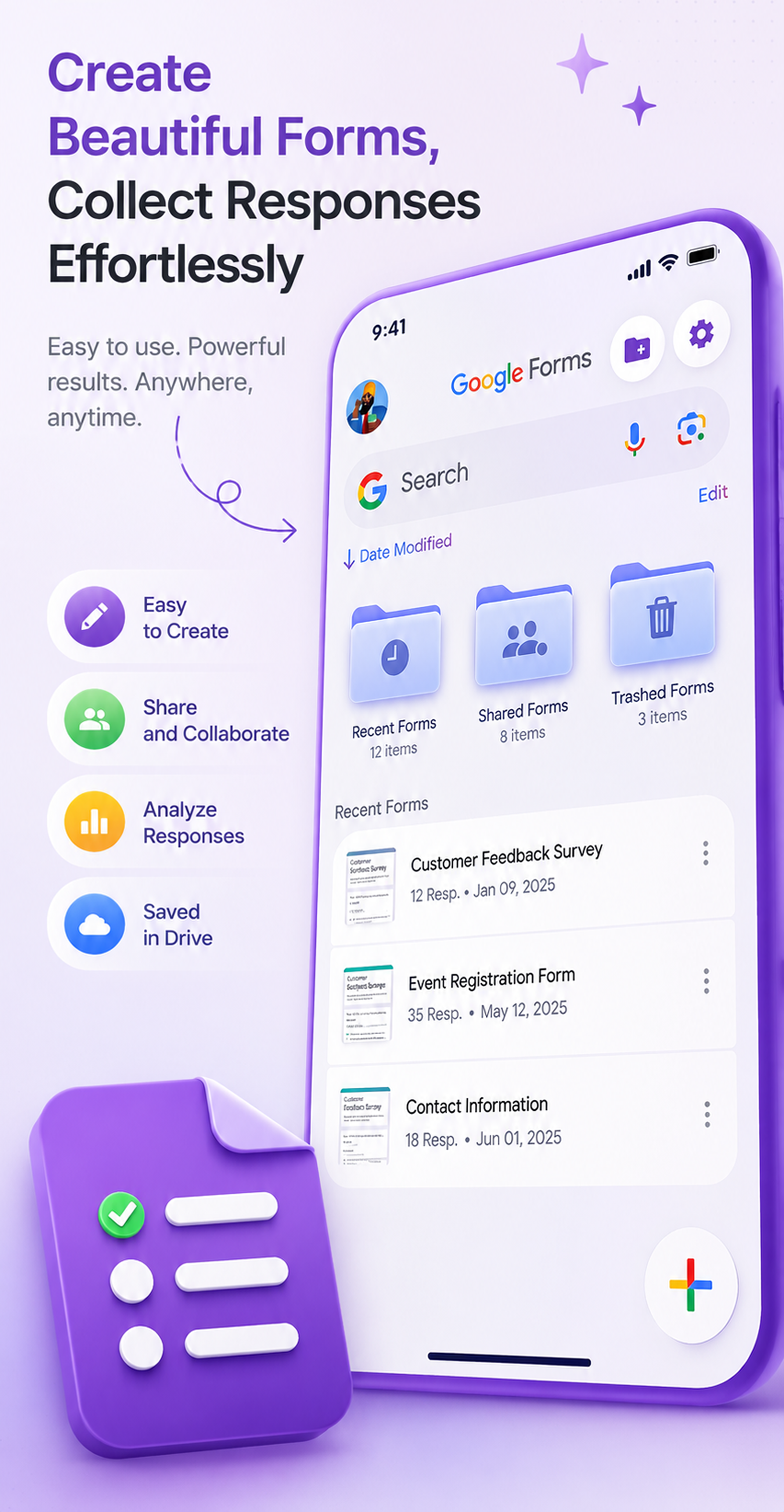
This version groups your real app capabilities into clearer product sections so the page feels intentional, credible, and easier to scan.
Create drafts, add sections, reorder content, and manage forms from a native editing workflow.
Open the published form inside the app and keep the experience focused on actual responders.
Start quickly with ready-made flows for RSVP, contact collection, scheduling, orders, and invites.
Add images, videos, file uploads, and bring content in from photos, files, clipboard, or existing forms.
Manage response limits, edit access, progress bars, quiz mode, notifications, CAPTCHA, and more.
Review response summaries, inspect per-question trends, and export data wherever your workflow needs it.
Every supported block is surfaced as a clean, readable product capability.
Launch from scratch or use a starter built for RSVP, contacts, scheduling, order requests, or events.
Add content, media, sections, scales, grids, file uploads, and more in one editor flow.
Turn on progress bars, response limits, notifications, editing rules, quiz settings, and custom confirmations.
Open the responder view, keep the preview focused, and send the form out with more confidence.
Use summary, question, and individual views, then export to CSV, XLS, Google Sheets, or print workflows.
The page now has a real hero, grouped feature sections, and a closing CTA that matches product marketing patterns.
Spacing, typography, cards, and contrast are more balanced so the page feels more polished across desktop and mobile.
The copy focuses on concrete app capabilities instead of generic statements, which makes the offer easier to trust.
Use this as the base marketing page, or let’s take one more step and turn it into a hosted web page with screenshots, real app visuals, and working app store buttons.